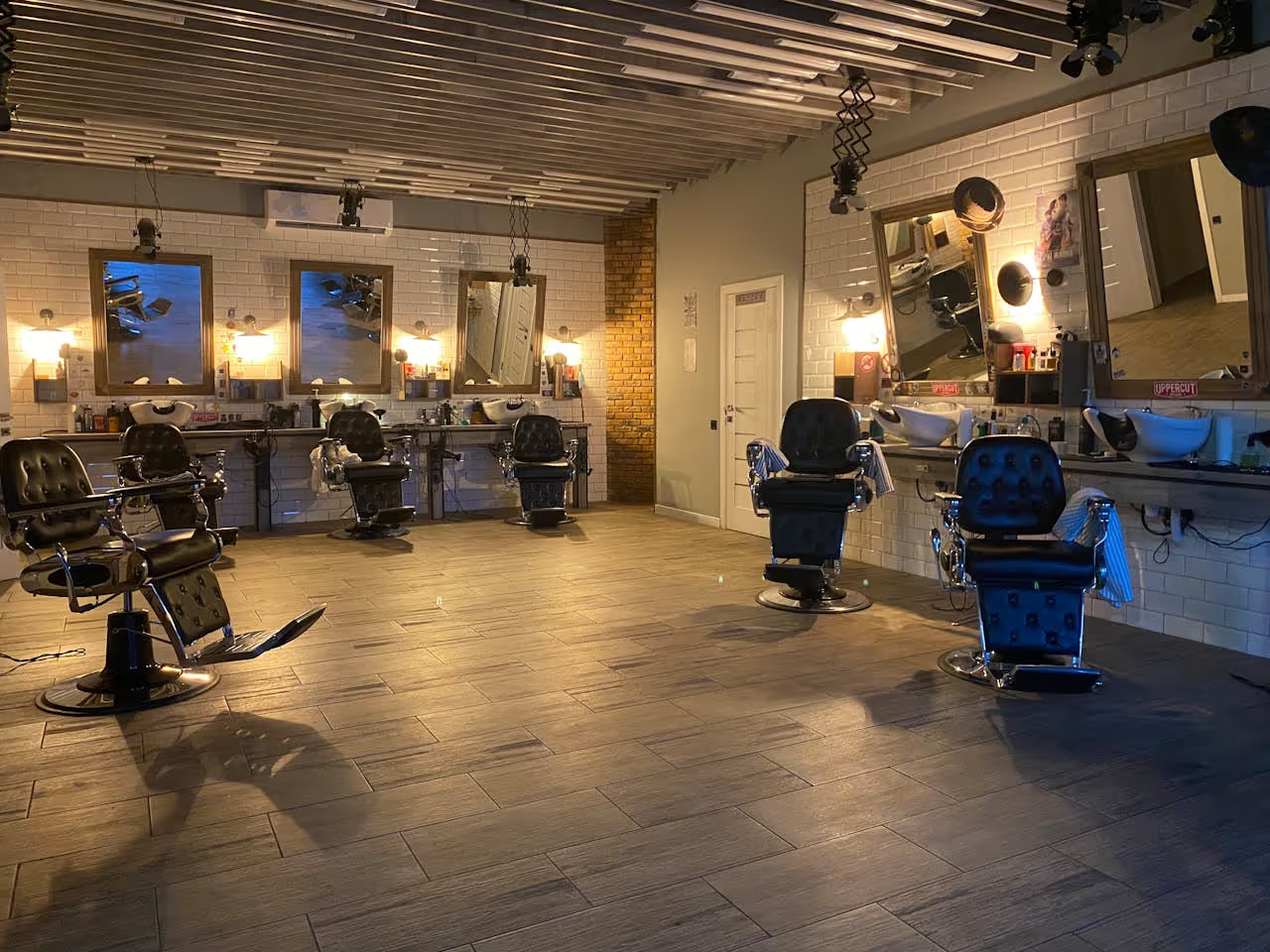
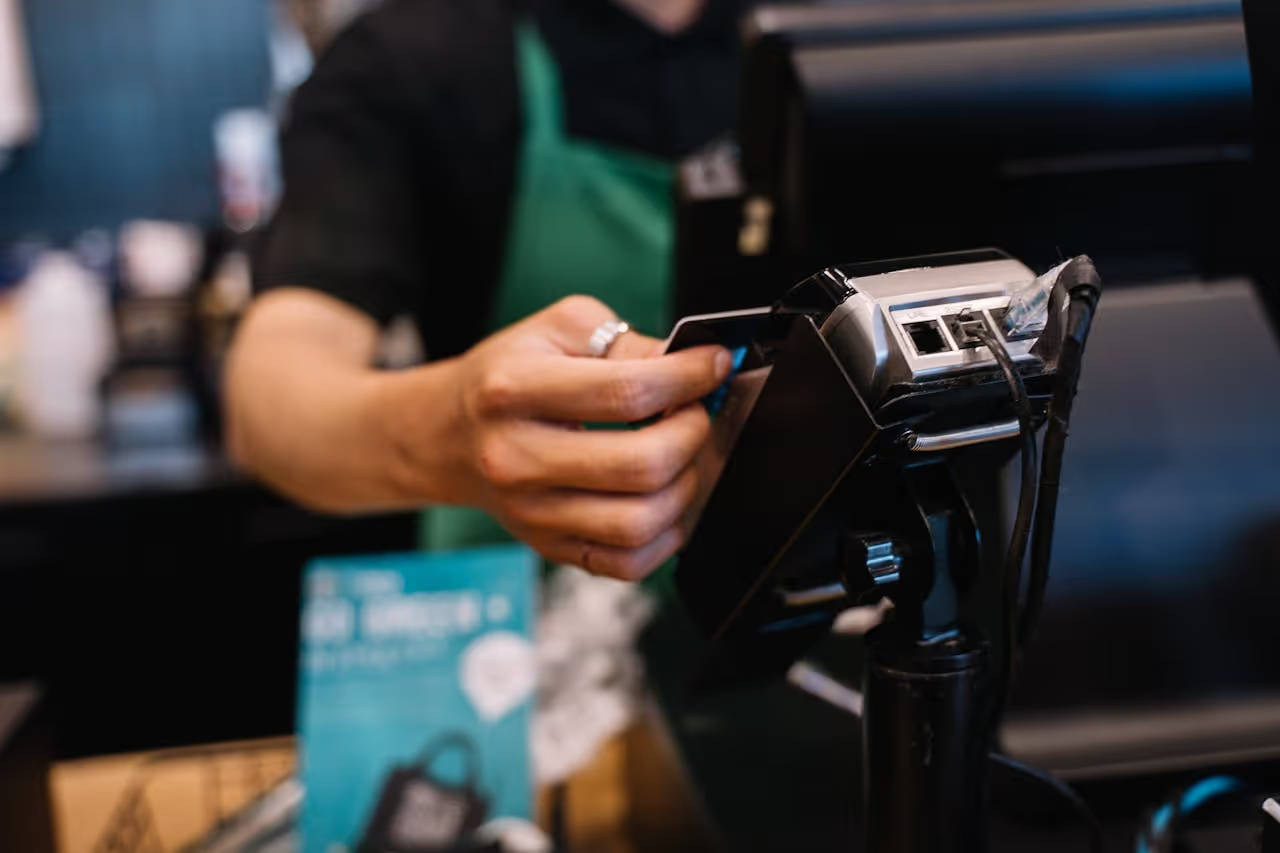
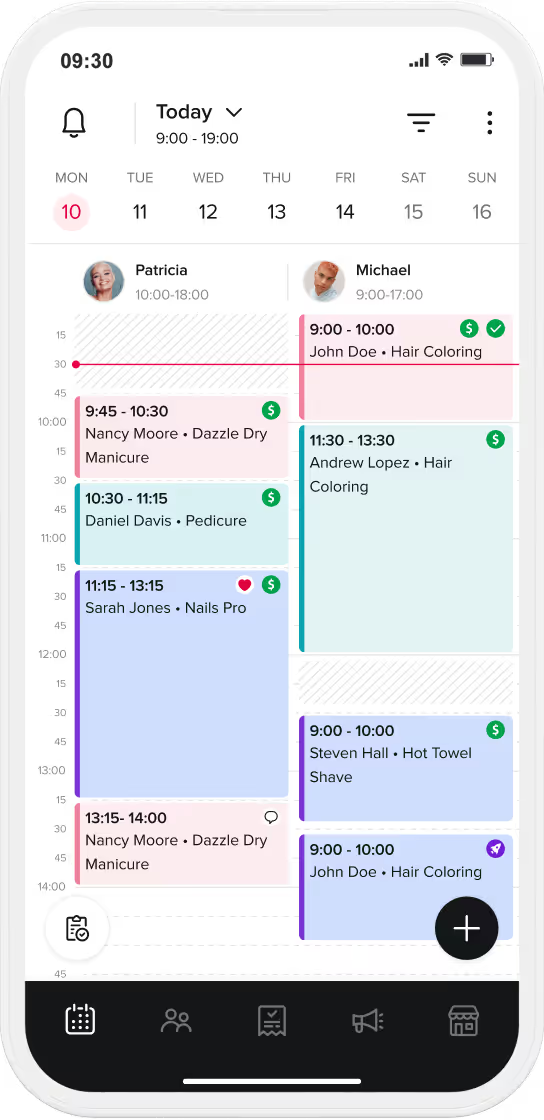
An integrated barbershop POS (Point of Sale) system is a digital platform that connects your booking calendar directly to your card payment terminal.
In the modern UK barbering industry, relying on standalone card readers alongside paper diaries or basic spreadsheets creates unnecessary administrative delays. Upgrading to a native barbershop POS software platform merges customer management, stock tracking, and staff commission calculations into one central application.
Switching from a traditional payment terminal to an integrated barbershop point of sale system eliminates manual data entry errors, simplifies multi-barber commission payouts, and protects your financial stability against missed appointments.
This guide outlines how adopting an integrated salon system like Booksy Biz can streamline daily operations, safeguard revenue, and give valuable time back to shop owners.
Quick Summary on Barbershop POS Integration
- System Definition: An integrated barber POS links a physical card terminal directly to a digital booking calendar for instant payment processing.
- Operational Efficiency: Merging card payments with a calendar cuts up to 30 minutes of daily end-of-day admin per chair
- Revenue Protection: Native barbershop POS software allows owners to store client cards securely on file, enabling automated no-show fees and upfront deposits.
- Stock Automation: Stock levels update automatically at checkout, triggering low-inventory alerts and calculating retail product margins.
- Commission Accuracy: Multi-barber payroll logic calculates split commissions, booth rental deductions, and digital tips instantly at checkout.
- The Booksy Advantage: Booksy Biz delivers an all-in-one payment ecosystem featuring Tap to Pay, flat-rate pricing, and native client acquisition tools to convert walk-ins into repeat revenue.
Barbershop POS Technical Selection Matrix
Selecting the best barbershop POS system requires matching hardware flexibility with transparent long-term transaction processing fees. The index below highlights the key differences between entry-level payment readers and modern barbershop platforms:
| POS System Type |
Hardware Integration Scope |
Core Operational & Automation Capabilities |
Financial Impact |
| Native All-In-One (e.g., Booksy Biz) |
Fully synchronized contactless terminals, Tap to Pay on mobile phone devices, and receipt printers. |
Synchronizes payments with calendars. Updates stock, calculates multi-barber commissions, and enforces card-on-file no-show protections automatically. |
Maximum Growth |
| Generic Payment Processors |
Standalone card readers unlinked to booking calendars. |
Processes basic card payments but requires manual daily data entry to match appointments with receipts. |
Neutral Impact |
| Legacy Desktop Systems |
Fixed countertop terminal stations with wired peripherals. |
Tied to a single till counter. Prevents barbers from checking out clients directly from their chairs on mobile phone devices. |
Negative Impact |
Four Core Reasons Your Business Needs an Integrated Barbershop POS System
- Delivering a Seamless Client Experience: An integrated barbershop point of sale manages the entire client journey from initial online booking through to checkout. When a scheduling app connects directly to a payment system, checking out a client takes seconds. The software pulls up service line items, calculates retail additions, and processes card transactions instantly to keep chairs turning over cleanly.
- Elevating Financial Tracking and Control: Every variable—including service fees, styling products, and digital tips—logs automatically against individual client profiles and staff shifts. This automatic synchronization yields clear financial reporting, ending the need to spend hours matching paper receipts against cash balances at the end of the working day.
- Maintaining Automated Stock Control: Integrated POS software tracks retail products in real time, updating stock counts as items are sold at the till. Systematic tracking gives clear visibility over product sales and alerts management when supplies or retail stock run low.
- Implementing Robust No-Show Protection: Storing client payment cards securely on file allows shop owners to charge cancellation fees or collect non-refundable upfront deposits. Protecting a calendar with automated no-show rules safeguards financial stability and ensures barbers are compensated for their time.
Evaluation Metrics: Top 5 Integrated POS Solutions for UK Barbershops
To assist in selecting the best pos system for barbershop operations in the UK, here is an objective evaluation of how top management platforms compare:
1. Booksy Biz: Unified Booking & POS Power
- Core Features: 24/7 online booking, integrated POS, Tap to Pay on mobile phone, multi-barber commission tools, stock tracking, and an active consumer marketplace.
- Ideal Fit: Solo barbers, multi-staffer, booth renters, and multi-location shops looking for a predictable flat-rate solution that combines payment processing with client discovery. Booksy provides an easy-to-use platform that works across mobile phone devices, tablets, and desktop computers.
2. Jena: Lightweight Setup for Solo Chair Renters
- Core Features: Mobile calendar app, basic online booking, Tap to Pay card processing via Stripe, and email confirmations.
- Neutral Overview: Jena is an entry-level UK tool designed primarily for self-employed solo pros and mobile technicians. While its baseline monthly subscription appears low, taking card payments incurs variable Stripe transaction fees (1.5 per cent + 30p), and automated SMS reminders require an additional monthly surcharge. It also lacks a built-in consumer marketplace to bring in new clients.
3. Vagaro: Feature-Rich for Multi-Service Spaces
- Core Features: Online scheduling, integrated POS, marketing automation, website builder, and basic payroll tools.
- Neutral Overview: A versatile platform suited for broader hair and beauty businesses. However, its broad feature list creates a steeper learning curve, and its feature-by-feature add-on pricing model can inflate monthly software overheads for simple barbershop setups.
4. Square Appointments: Basic Payments with Added Transaction Costs
- Core Features: Calendar scheduling, physical Square payment hardware integration, and basic client profiles.
- Neutral Overview: Offers smooth integration with Square hardware for beginners. However, higher credit card processing percentages can erode overall profitability as shop revenue grows, and it lacks a dedicated consumer marketplace to drive organic walk-in traffic.
5. Timely: Reporting Tools for Established Teams
- Core Features: Financial stability dashboards, stock analytics, client management, and automated text messaging.
- Neutral Overview: Provides detailed business reporting for established team setups. However, Timely lacks a native consumer directory to bring in new clients, and per-user monthly subscription fees become expensive as more barbers are added to a roster.
| POS System |
Core Capabilities |
Operational Overview |
Ideal Fit |
| 1. Booksy Biz |
24/7 online booking, integrated POS, Tap to Pay on mobile phone, multi-barber commission tools, stock tracking, active consumer marketplace. |
Combines payment processing with client discovery. Works across mobile phone devices, tablets, and desktop computers for a predictable flat rate. |
Solo barbers, multi-staffer, booth renters, and multi-location shops. |
| 2. Jena |
Mobile calendar app, basic online booking, Tap to Pay card processing via Stripe, email confirmations. |
Variable Stripe transaction fees (1.5% + 30p) and SMS surcharges apply. Lacks a built-in consumer marketplace. |
Self-employed solo pros and mobile technicians. |
| 3. Vagaro |
Online scheduling, integrated POS, marketing automation, website builder, basic payroll tools. |
Broad feature list creates a steeper learning curve. Feature-by-feature add-on pricing model can inflate monthly software overheads. |
Broader hair and beauty businesses. |
| 4. Square Appointments |
Calendar scheduling, physical Square payment hardware integration, basic client profiles. |
Higher credit card processing percentages can erode overall profitability as revenue grows. Lacks a dedicated consumer marketplace. |
Beginners using Square hardware. |
| 5. Timely |
Financial stability dashboards, stock analytics, client management, automated text messaging. |
Lacks a native consumer directory. Per-user monthly subscription fees become expensive as more barbers are added. |
Established team setups. |
Strategic Factors When Selecting Barber POS Software
- Evaluating Processing Rates: It is advisable to compare transaction processing fees carefully, as high processing costs directly impact daily profitability. Looking for transparent, competitive rates with zero hidden charges helps protect margins.
- Prioritising Ease of Use: Ensuring barbers can navigate the checkout app easily prevents delays in chair turnover. A complex checkout interface can lead to unnecessary delays and errors.
- Scaling Affordably: Choosing a salon system that scales as additional chairs are added is highly beneficial. It is wise to avoid platforms that lock essential team management tools behind expensive business tiers or add surcharges for basic client communications.
- Maximising Client Acquisition: It is worth checking whether barbershop POS data links to marketing tools that help acquire new clients. Transaction data delivers the most value when it feeds directly into automated client re-engagement campaigns.
Tactical Implementation & Practical Steps
- Setting Up Digital Deposits: Consider requesting a 20 per cent deposit for high-value services.
- Mastering On-Spot Rebooking: Barbers can use simple scripts at checkout to secure repeat business. For example: "To keep this fade looking sharp, we should ideally book your next visit for three weeks' time. Shall we secure that spot now?"
- Managing Client Notes: Ensure team members log client preferences or previous service details directly into client profiles during payment. At checkout, hand the client a clear itemised note for their records.
Rolling Out Your New System and Tracking KPIs
- Staff Onboarding: Train your team on checking out clients directly from their mobile phone devices while the client is still at the salon.
- Tracking Key Performance Indicators: Monitor client retention rates, average spend per client, total weekly stock turnover, and the percentage of appointments booked online.
An Effortless Software Solution with Booksy
Adopting Booksy Biz provides an integrated, hassle-free salon system that operates quietly in the background. The platform automatically synchronizes online bookings, card payments via Tap to Pay on mobile phone devices, and real-time stock tracking without requiring manual administration.
By automating routine tasks, such as sending appointment reminders, collecting non-refundable deposits, and requesting post-service reviews, Booksy Biz frees shop owners to concentrate on growing their client base and delivering outstanding services.
Next Steps for Your Salon
Ready to upgrade your checkout experience and safeguard your shop's financial stability? Start your free trial with Booksy Biz today, to experience how seamless managing your barbershop can be.





.png)