ChatGPT can already tell people where to go. That wasn't the problem.
A client could ask for a barber, get an answer, then leave the chat to actually book. Whatever they'd told ChatGPT, the service, the time, didn't come with them. They landed on some website and had to start over.
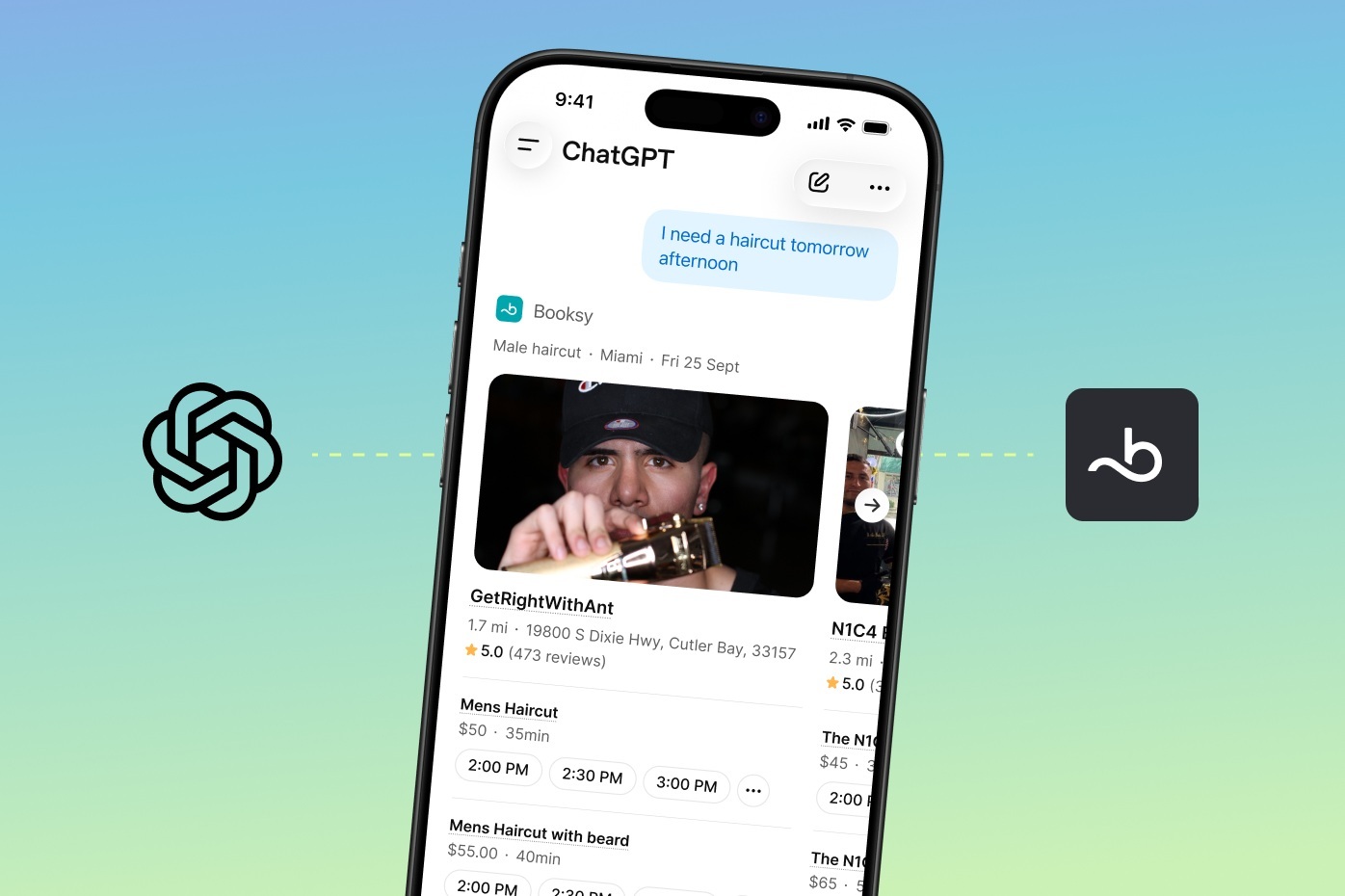
Booksy's plugin fixes that. It lives right inside ChatGPT, so nothing gets left behind. Say a client asks for a barber after 6pm or a nail tech with a weekend opening. That context comes with them. It drops them into Booksy with the provider, service, and time already selected. All they have to do is confirm.
The best part? You don't have to do anything to make this happen. If your Booksy profile is active, you're already showing up in ChatGPT results, ready to get booked. No new setup, no extra effort.
The Booksy plugin turns a simple conversation into an instant booking on your calendar.
Here’s how a client uses it:
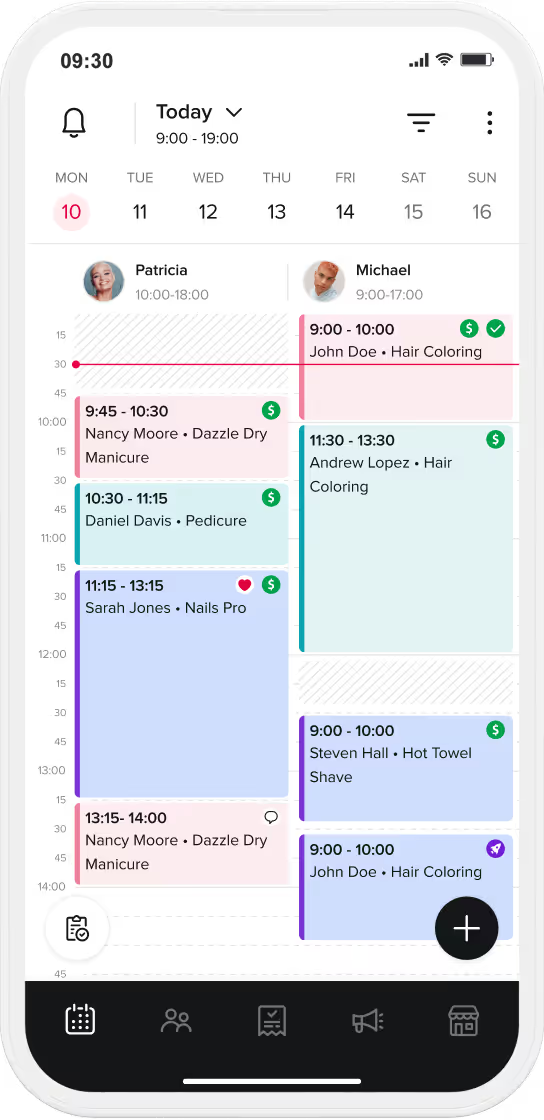
This runs directly off the calendar, services, and availability you already keep up to date on Booksy.
More clients are starting their search inside AI assistants, like ChatGPT, instead of a standard search bar. When that happens, getting mentioned isn't enough if a client still has to leave the chat to find your schedule.
Booksy puts your availability right in front of them. An independent audit across eight major U.S. markets (Miami, Orlando, Tampa, New York, Austin, Dallas, Houston, and San Antonio) shows how far ahead Booksy is compared to other booking platforms:
(Source: Booksy internal AI-visibility research, 8 U.S. markets, August 2026 measurement window)
You don't need five separate tools or a marketing degree to get discovered online. Your Booksy profile already does the heavy lifting for you. It formats your prices, services, photos, and verified reviews so search engines and AI models can read them instantly.
Your profile distributes your business across 5 core channels:
To get the most out of this visibility, keep your profile fresh: upload clear photos of your work, keep your hours accurate, and let your verified reviews build trust automatically.
Their personal details and payment info stay completely safe with Booksy. ChatGPT can see your open slots and service names, but nothing else. The booking itself, and any payment, happens through Booksy's secure checkout.
Nope! There's nothing to activate for the plugin itself. If you have an active Booksy profile, you’re already included. Just make sure your service list is clear, your hours are current, and you’ve got a few recent portfolio photos uploaded so you look your best when clients find you.
For more information about this feature, read the official press release: Booksy Turns Its AI Search Lead Into Bookable Appointments With New Plugin Inside ChatGPT