

Check out Booksy’s new and improved features.
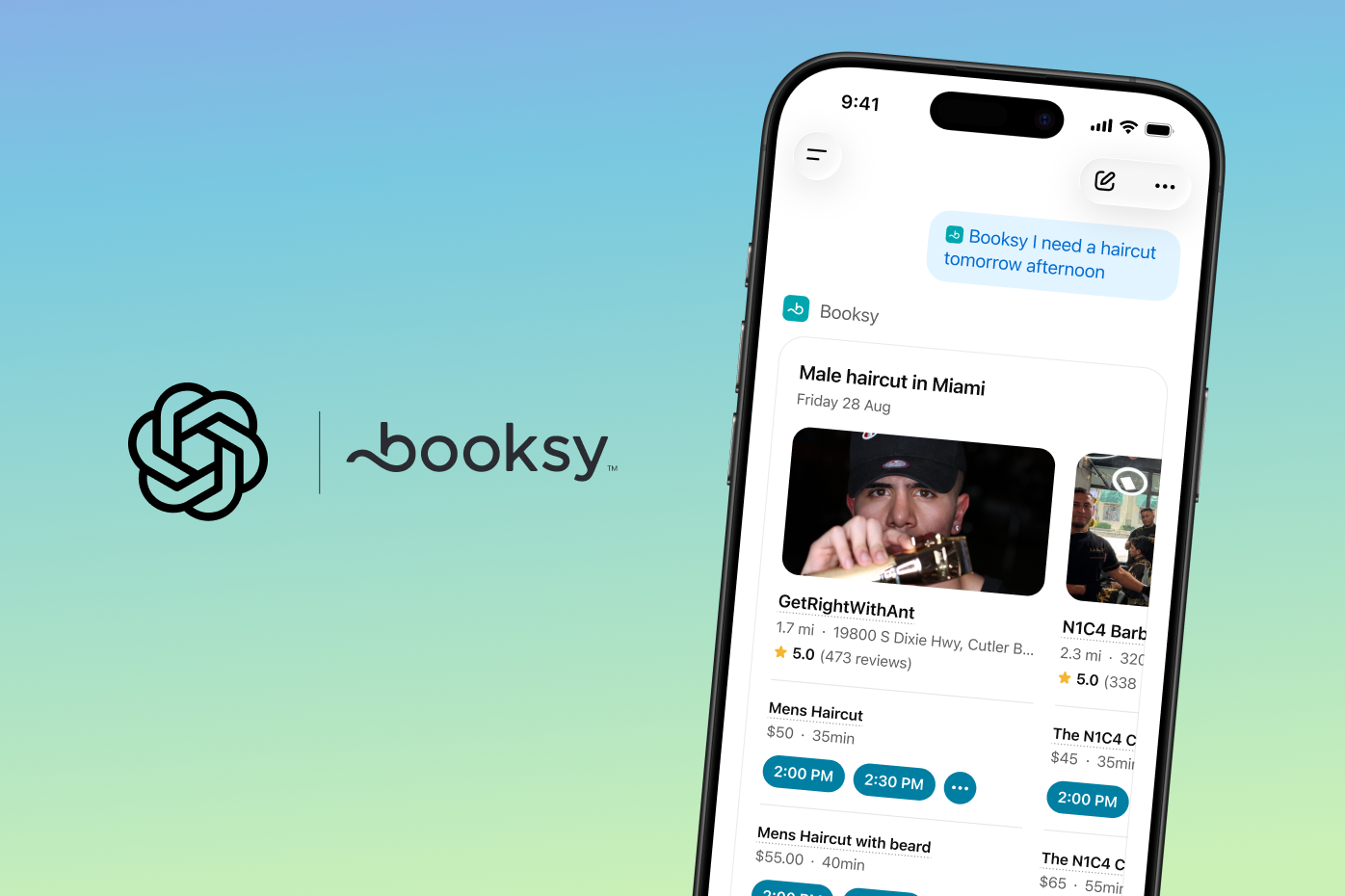
Clients already ask ChatGPT to find pros like you nearby. Now, when they enable the Booksy plugin in ChatGPT, they can see your real-time availability right in the chat, pick a time that works, then finish confirming on your Booksy page to lock it in. When someone searches something like "haircut near me tonight" or "book a manicure Saturday morning," your open slots show up in a carousel alongside other nearby pros.
- No extra setup: if you're already live on Booksy with an up-to-date calendar, you're already showing up.
- More ways to get found: ChatGPT joins Google, Instagram, and Facebook as another place your booking link can turn up.
- Real-time availability: only your actual open slots show, so no one books a time you can't take.
We heard you: a loophole used to let clients delete their card-on-file to avoid the fee, leaving you vulnerable to failed cancellation fee charge attempts.
We fixed it. A card now can't be removed while it's covering an active booking, unless it’s replaced with a new one. You stay protected.
What changed: A card-on-file can no longer be removed while it's covering an active booking with a cancellation fee attached, unless it's replaced with a new valid card.
Why: Clients could previously delete their card-on-file before a late cancellation or no-show, causing the cancellation fee charge to fail with no recourse for the business.
What this means for you: Your cancellation policy is now enforced more reliably. If a client tries to remove their card while a fee-protected booking is active, they'll need to add a new valid card first. So you stay protected.
 Set your cancellation policy
Clients join your waitlist because they want in. Now you can easily see who's waiting for any given day, reach out to them, and get them in the chair before that opening goes to waste.
What's new
Why it matters
This update makes it easier for you to really make your waitlist work for you. You can now easily identify periods of high demand and accommodate more clients to make more money. Your waitlist is still working for you in the background, too. Clients can add themselves to your waitlist at any time, and when a spot opens up on their desired day, they'll get an automatic SMS message about the opening with a link to book the open slot.
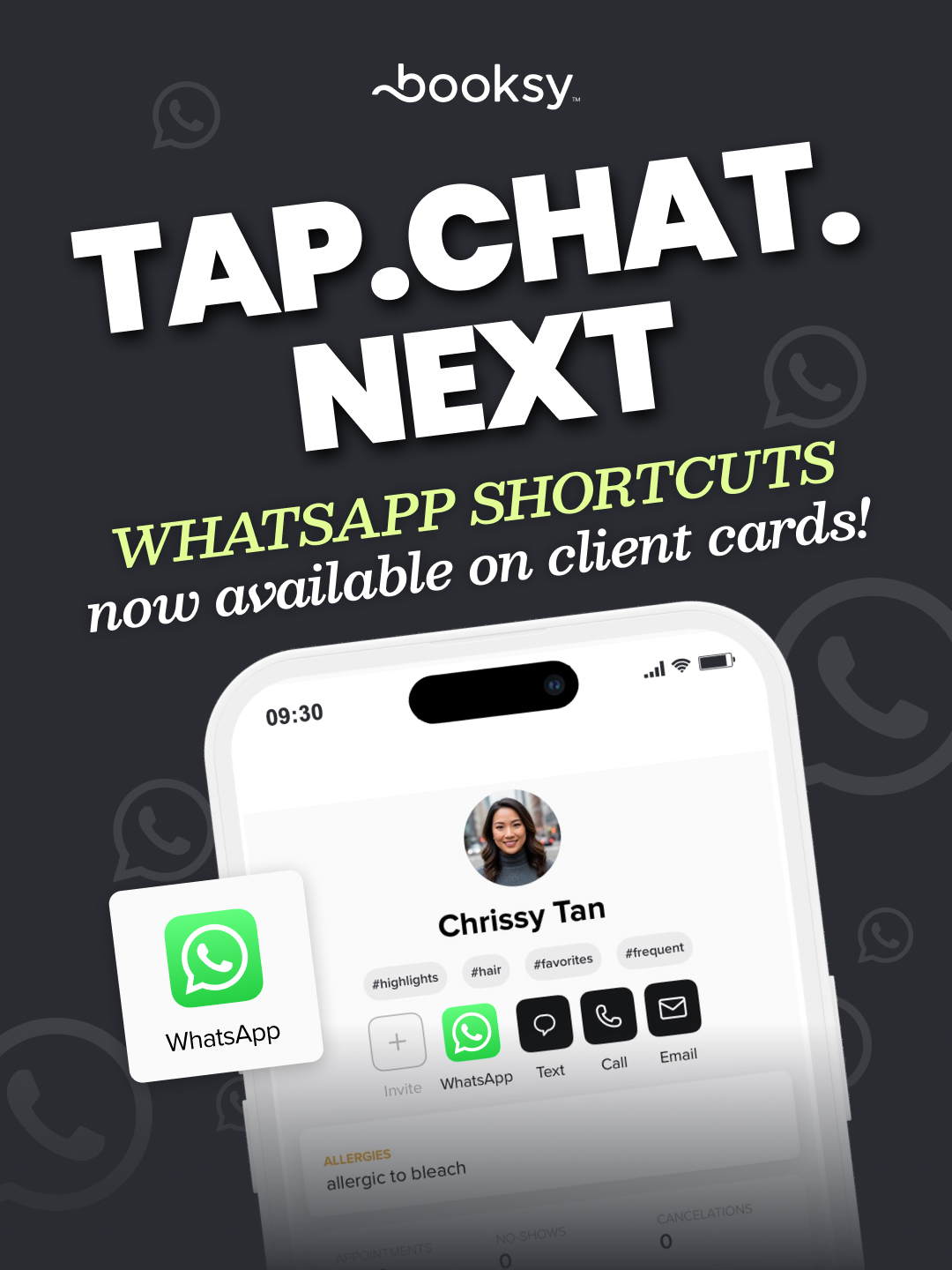
Check your waitlistLearn moreWe've added a new WhatsApp shortcut on the client cards, so you can quickly contact a client directly from the client details in your app.
No more manually copy and pasting numbers over to Whatsapp to send clients a message. Just click on the icon, and the WhatsApp app will open up with a chat thread to the client's phone number.
You asked, we delivered. We know how frustrating it is when a late cancellation or no-show happens, only for the cancellation fee to fail because of an inactive card or insufficient funds.
To help protect your bottom line, we’ve introduced pre-authorization for cancellation fees. For bookings identified as high-risk—clients with a history of failed transactions—the system will now place a temporary pre-hold on their card for the amount of your cancellation fee at the time of booking.
This ensures the funds are verified and available if you need to charge them, giving you peace of mind and one less thing to worry about. If the appointment is completed as planned, the hold is simply released.
 Set up cancellation feesLearn more
We know how frustrating it is to hear, "I didn't know that was the rule." That’s why we’ve overhauled how your policies appear to clients. Now, your Booking Policies and Health & Safety Rules are front and center on your profile. From cancellation fees to appointment prep, clients know exactly what to expect before they ever hit "Book."
Head to Settings > Business Details > Policies and safety to manage your booking policies and health and safety rules.
Write your own custom rules in the open text field and/or select from predefined options. Everything you choose will automatically appear on your business profile—clear, confident, and impossible to miss.
 Set my rulesHow to set up my policies
Managing a salon is about more than booking appointments – it’s also about having the right products at your fingertips. That’s why we’ve completely redesigned the Inventory to be simpler and more intuitive.
See your stock levels in real-time and never second-guess your supplies again.
- Adjust stock in seconds: Ditch the complicated documentation. Quickly add products or adjust stock levels with simple “+” or “–” buttons. It’s the fastest way to track what’s in storage.
- Automatic updates with every checkout: Inventory stays in sync with sales. Because it’s integrated with Checkout, your stock levels update automatically the moment a client pays.
- Track internal usage: Log products used during services to keep your digital inventory aligned with your real-world quantities.
 Manage InventoryLearn more
💡 Did you know?
When your calendar is full, clients can opt-in to join your Waitlist for their preferred day(s). If a spot opens up, Booksy automatically sends them an SMS invitation to book the slot—keeping your schedule full without you lifting a finger.
Now we’ve improved the Waitlist, so it's easier to see when clients are on your list, and to take action to match them with an open slot.
With this update, better visibility and functionality help you fill empty slots faster than ever. Now, you’ll always know when a client is waiting for a spot, so you can quickly fill openings in your calendar or open up availability based on demand.
Learn more


.png)